Network discovery
Scan CIDR blocks or custom IP ranges with profiles, interface picking, concurrent ping, and TCP fallback.
 iPScanner
Native macOS utility - v1.2.0
See every device on your network.
A focused, open-source network scanner for macOS. Discover hosts, identify vendors, inspect services, scan ports, compare snapshots, and export results without leaving your Mac.
5.5 MB DMG. Universal build for Apple Silicon and Intel Macs.
What it does
Scan CIDR blocks or custom IP ranges with profiles, interface picking, concurrent ping, and TCP fallback.
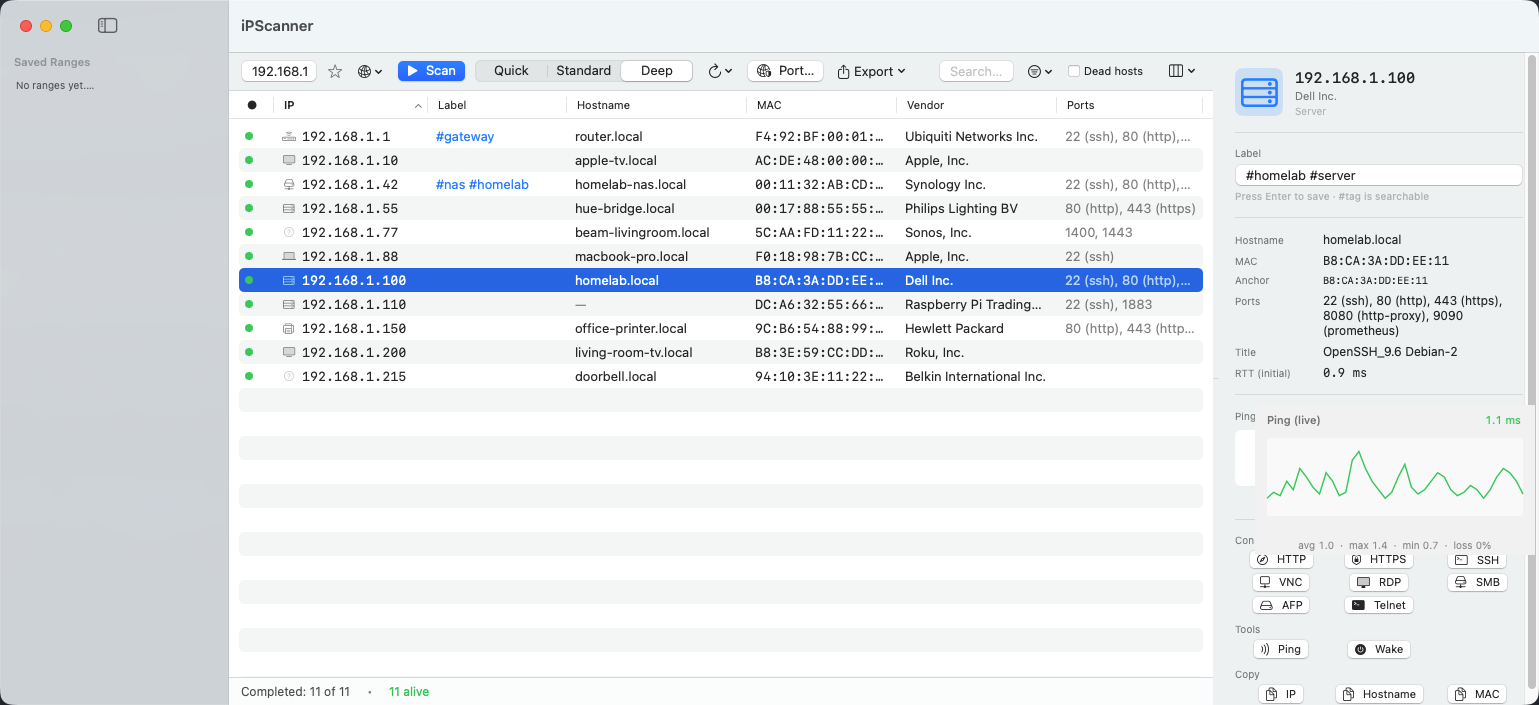
Resolve hostnames, MAC addresses, IEEE OUI vendors, Bonjour services, and best-effort device types.
Run bounded TCP port scans with presets, progress, cancelation, service names, HTTP titles, and SSH banners.
Save named ranges, label devices, compare snapshots, auto-rescan, and export CSV, JSON, or scan files.
Workflow
Latest release
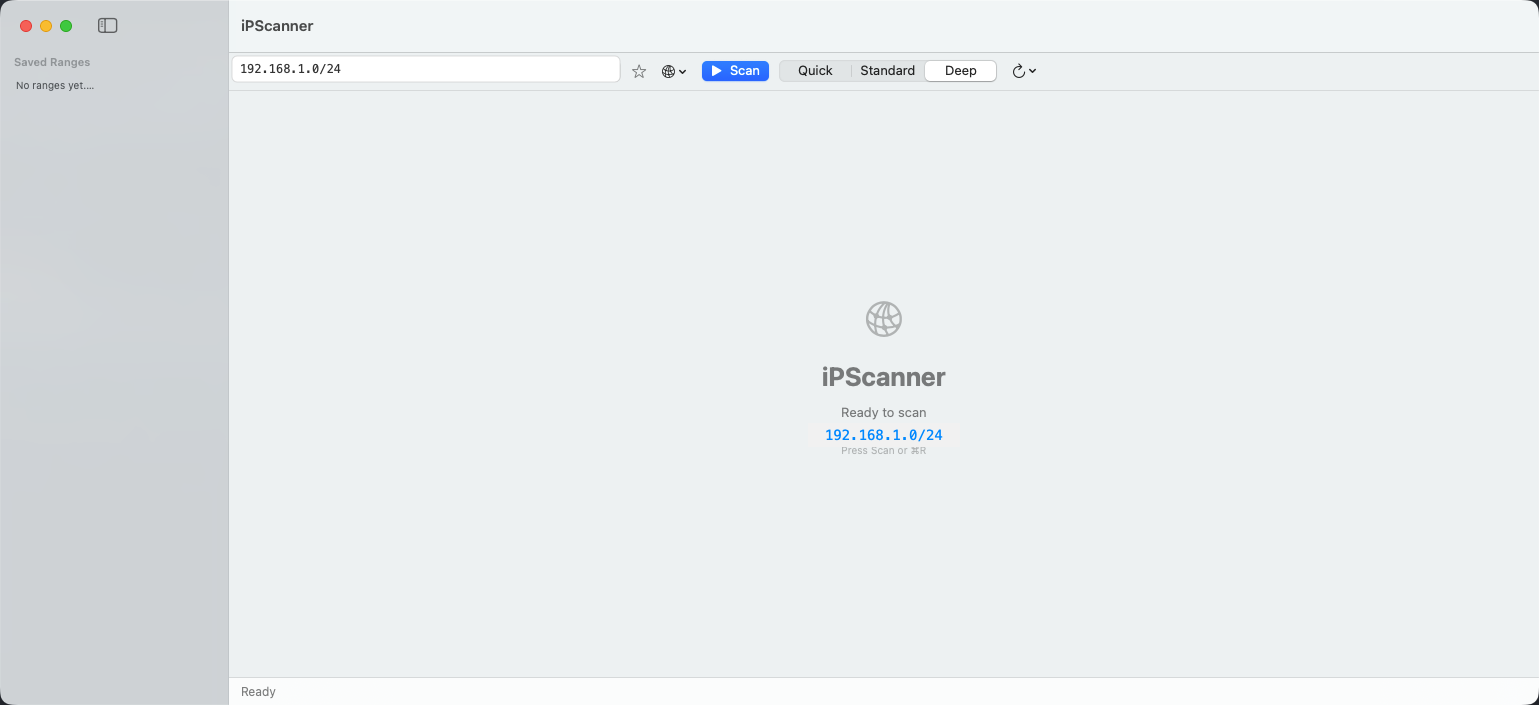
Download the DMG from GitHub Releases, drag iPScanner into Applications, and start with the automatically detected subnet or a custom CIDR/range.
Signed ad-hoc for open-source distribution. macOS may show a Gatekeeper warning on first launch.
Download for macOSmacOS may show a first-launch warning because the app is ad-hoc signed. Run xattr -cr /Applications/iPScanner.app once or right-click the app and choose Open.
Review the SwiftUI source, release workflow, tests, and network scanning implementation on GitHub.
Open repositoryPrivacy
v1.2.0
iPScanner includes scan profiles, interface picking, auto-rescan, snapshot diff, warning surfacing, search highlighting, a resizable inspector, and CI-tested releases.
Download iPScanner v1.2.0, then drag the app into Applications. On first launch, use the Gatekeeper workaround from the release notes.